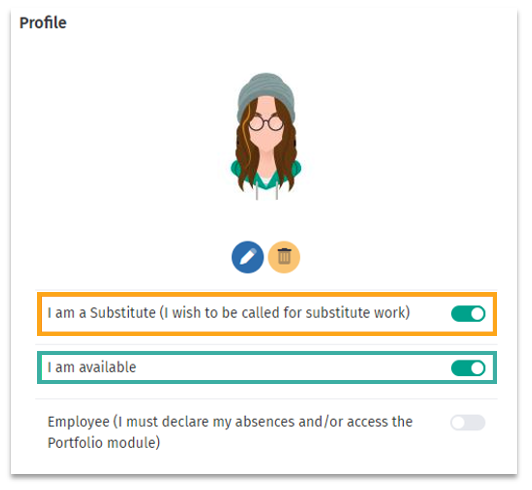
Next, in the Education tab, add any relevant information about your education and professional background, if you have not already done so.

To learn more about this tab, access the following article: Substitute - Profile Customization (Education Tab)
Then, in the Substitute tab, specify your substitution preferences.

To see how to do this, consult the following article: Substitute - How to view my substitute authorizations?
The final step in configuring your profile, in My Establishment, make sure you have added at least 1 establisment as a substitute. (The more you add, the more offers you will receive!)


To learn the procedure for adding one or more establishment, refer to this article: Substitute - Add an establishment (to perform replacements).

If you have completed these steps, you can check your authorization level for replacements. Consult this article for all the details: Substitute - How to view my substitute authorizations?.
Next, in the Education tab, add any relevant information about your education and professional background, if you have not already done so.
Was this article helpful?
That’s Great!
Thank you for your feedback
Sorry! We couldn't be helpful
Thank you for your feedback
Feedback sent
We appreciate your effort and will try to fix the article